
Muxsinjon Maxsudovich9/30/2026
How to Make a URL Launcher for Samsung Signage TVs
#SmartTV#Tizen#Samsung#DigitalSignage#URLLauncher#SSSP#Debugging
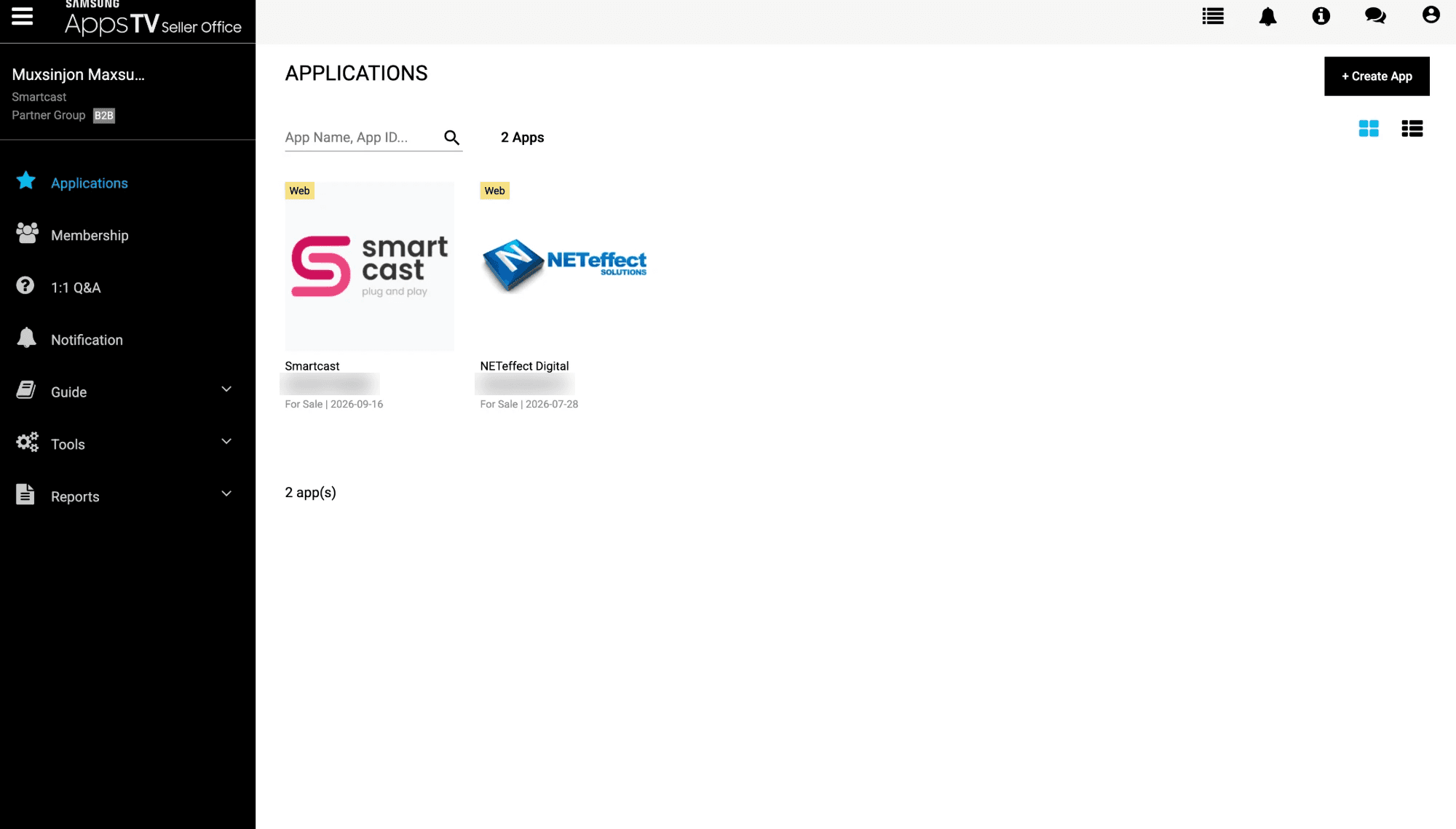
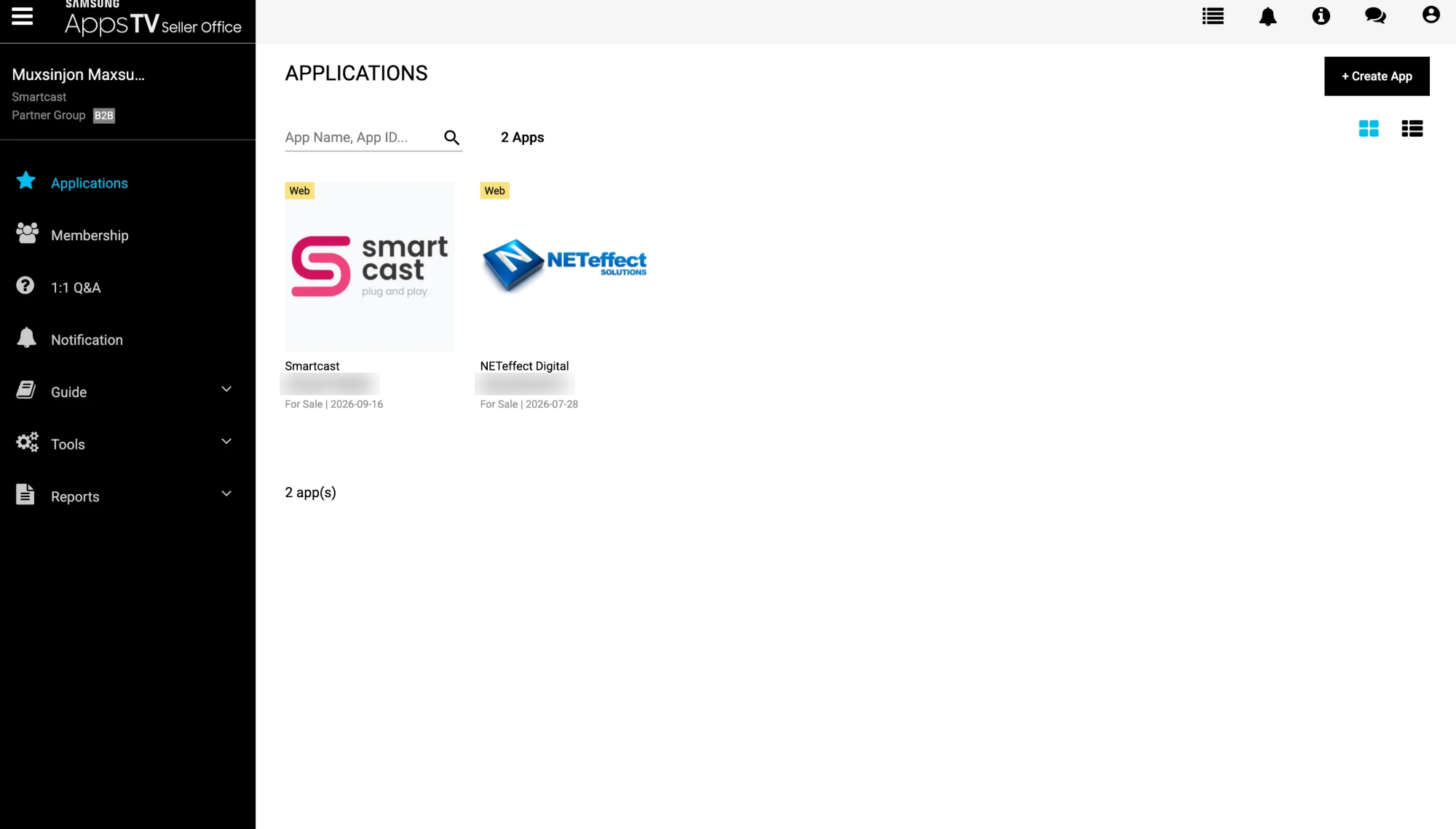
Our SmartCast digital signage player now runs on Samsung Business TV and Digital Signage displays. The display connects to SmartCast directly, without a separate set-top box, and the customer sets everything up in a few minutes.
For us the road was much longer. In this article I explain how the URL Launcher works, how we set it up, and the problems we faced on the way. One of them kept us stuck for 2-3 weeks, and in the end it was fixed by simply unplugging the TV.
For us the road was much longer. In this article I explain how the URL Launcher works, how we set it up, and the problems we faced on the way. One of them kept us stuck for 2-3 weeks, and in the end it was fixed by simply unplugging the TV.
Why URL Launcher?
On a regular Samsung TV you install apps from the Samsung TV store. Business signage displays are different: they are B2B devices, sold only to businesses and not to regular customers, and they run their own player system (SSSP). Instead of a store, they have a URL Launcher (it can also be called "Custom App" in the menu): you enter an address, the display downloads your app from there and runs it as its main player.
Our test display is a Samsung QM50C. On other models the menus can be in slightly different places.
On a regular Samsung TV you install apps from the Samsung TV store. Business signage displays are different: they are B2B devices, sold only to businesses and not to regular customers, and they run their own player system (SSSP). Instead of a store, they have a URL Launcher (it can also be called "Custom App" in the menu): you enter an address, the display downloads your app from there and runs it as its main player.
Our test display is a Samsung QM50C. On other models the menus can be in slightly different places.
1. What the launcher address must serve
The URL you enter on the display is just a folder on your server. The display looks for two files there:
The URL you enter on the display is just a folder on your server. The display looks for two files there:
sssp_config.xml- a small file that tells the display the app name, version and typeSmartCast.wgt- the Tizen web app package itself, signed with a certificate. The file name must matchwidgetnamein the config
<?xml version="1.0" encoding="UTF-8"?>
<widget>
   <ver>2.1.0</ver>
   <size>38727</size>
   <widgetname>SmartCast</widgetname>
   <webtype>tizen</webtype>
</widget>
When you release a new version, upload the new
.wgt and raise ver - this is how the display knows there is an update.
2. Setting up the display
Once the server side is ready, the setup on the display itself takes a few minutes:
Once the server side is ready, the setup on the display itself takes a few minutes:
- Open Settings → System
- Find Play via and select Custom App (URL Launcher on some models)
- Open Start Setup and enter the PIN. If nobody changed it, the default PIN is 000000
- Choose the language, connect to Wi-Fi and accept the terms
- Set display orientation to Auto
- Select the player and enter the launcher address, for us it is https://s-launch.smartcast.uz
- Skip Connect to RM Server - content is managed from SmartCast, not from Samsung's RM server
- Set Auto Power Off to Off, otherwise the screen can turn itself off in the middle of the day
- Set the current time
3. Small problems during setup
- The Custom App does not appear after setup. Go to App management → Install Custom App. The keyboard opens - press GO and the app is installed again.
- Unknown PIN. Business displays ask for a PIN before Start Setup. Try the default 000000 first.
- Menus are in a different place. Menu names change between models and firmware versions - "Custom App" on one display can be "URL Launcher" on another.
4. The problem that kept us stuck for weeks
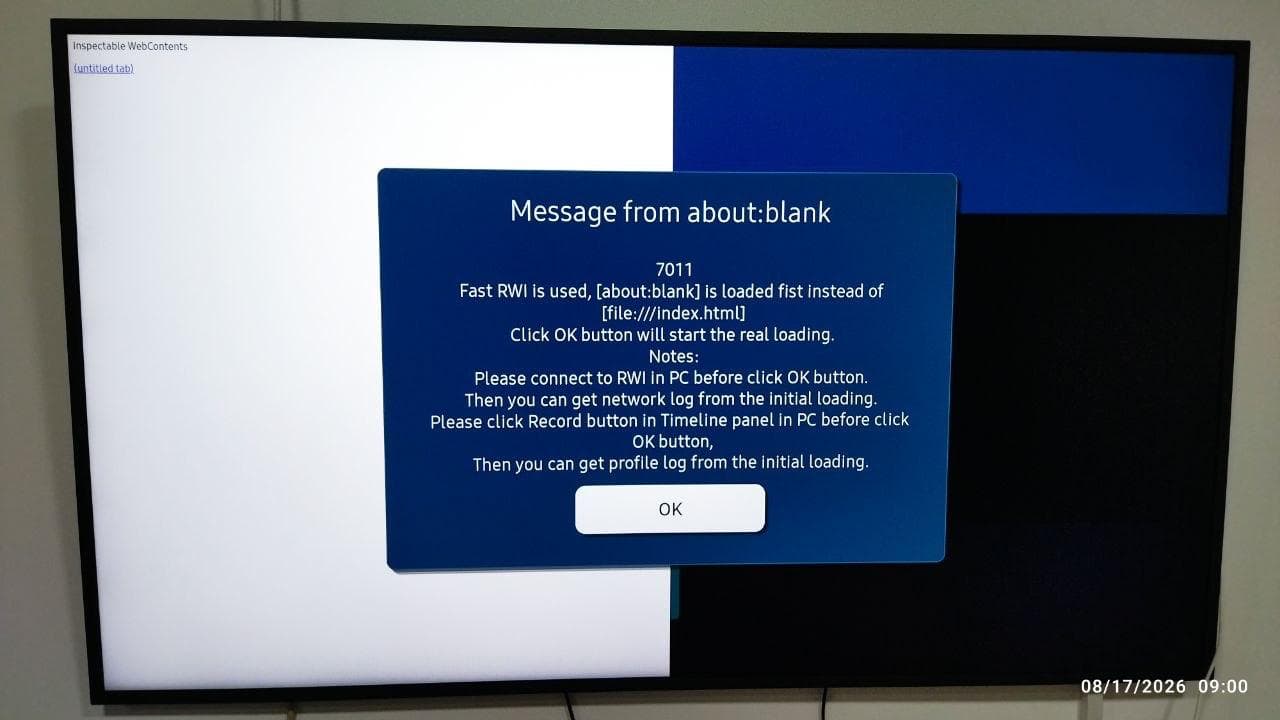
At some point, instead of our player, the display started showing this message every time the app launched:
"7011 - Fast RWI is used, [about:blank] is loaded first instead of [file:///index.html]. Click OK button will start the real loading."
RWI is Samsung's Remote Web Inspector, a tool you connect from a PC to debug a TV app. This dialog is made for developers: the TV holds the app on a blank page, so you have time to connect the inspector before the real loading starts. That is also why the left side of the screen says "Inspectable WebContents".
But a signage display has to start the player on its own - nobody stands next to it in a shop to press OK. And the dialog kept coming back even after we turned debugging off.
At some point, instead of our player, the display started showing this message every time the app launched:
"7011 - Fast RWI is used, [about:blank] is loaded first instead of [file:///index.html]. Click OK button will start the real loading."
RWI is Samsung's Remote Web Inspector, a tool you connect from a PC to debug a TV app. This dialog is made for developers: the TV holds the app on a blank page, so you have time to connect the inspector before the real loading starts. That is also why the left side of the screen says "Inspectable WebContents".
But a signage display has to start the player on its own - nobody stands next to it in a shop to press OK. And the dialog kept coming back even after we turned debugging off.
5. What we tried
For 2-3 weeks we tried everything we could think of. We were sure the problem was on our side, so we started with our own code:
What made it harder: we had only one display and could not check on another one. This model is a Samsung Business Signage display. It is sold only to businesses (B2B), not to regular customers, so we could not just go to a store, buy a second one and compare. With one device, we could not tell whether the problem was in our app or in the TV.
For 2-3 weeks we tried everything we could think of. We were sure the problem was on our side, so we started with our own code:
- Changed the app code and rebuilt the package again and again
- Signed the
.wgtwith a new certificate - Reinstalled the app through the URL Launcher
- Turned off developer mode and RWI on the display
- Did a factory reset
- Updated the firmware
What made it harder: we had only one display and could not check on another one. This model is a Samsung Business Signage display. It is sold only to businesses (B2B), not to regular customers, so we could not just go to a store, buy a second one and compare. With one device, we could not tell whether the problem was in our app or in the TV.
6. Talking to Samsung
At the same time we opened tickets on the Samsung partner portal. Every reply there takes days (I wrote about this in my previous article), so we also had an online meeting with the Samsung support team and went through the problem together with them. We also asked other developers and people who work with Samsung displays.
But none of these conversations solved the problem.
At the same time we opened tickets on the Samsung partner portal. Every reply there takes days (I wrote about this in my previous article), so we also had an online meeting with the Samsung support team and went through the problem together with them. We also asked other developers and people who work with Samsung displays.
But none of these conversations solved the problem.
7. The fix: unplug it
In the end, the only thing we needed to do was unplug the display from power, leave it for a while and plug it back in. After this full power cycle the dialog was gone, and SmartCast started normally.
The problem was in the TV itself - not in our code, the certificate or the server. Our guess: turning it off with the remote, the factory reset and the firmware update all happen while the TV still has power, so the state it was stuck in survived all of them. Only cutting the power cleared it.
If your Samsung signage display shows 7011 Fast RWI is used and you are not debugging anything, unplug it for a while before you start changing code and certificates.
In the end, the only thing we needed to do was unplug the display from power, leave it for a while and plug it back in. After this full power cycle the dialog was gone, and SmartCast started normally.
The problem was in the TV itself - not in our code, the certificate or the server. Our guess: turning it off with the remote, the factory reset and the firmware update all happen while the TV still has power, so the state it was stuck in survived all of them. Only cutting the power cleared it.
If your Samsung signage display shows 7011 Fast RWI is used and you are not debugging anything, unplug it for a while before you start changing code and certificates.