LG webOS TV App
Project Information
Role: Frontend Developer
Team: Team Project (Frontend + Backend + Mobile)
Duration: Ongoing
Year: 2026
Tech Stack
React 18
Vite
Tailwind CSS
LG webOS
MQTT
IndexedDB
i18next
Axios
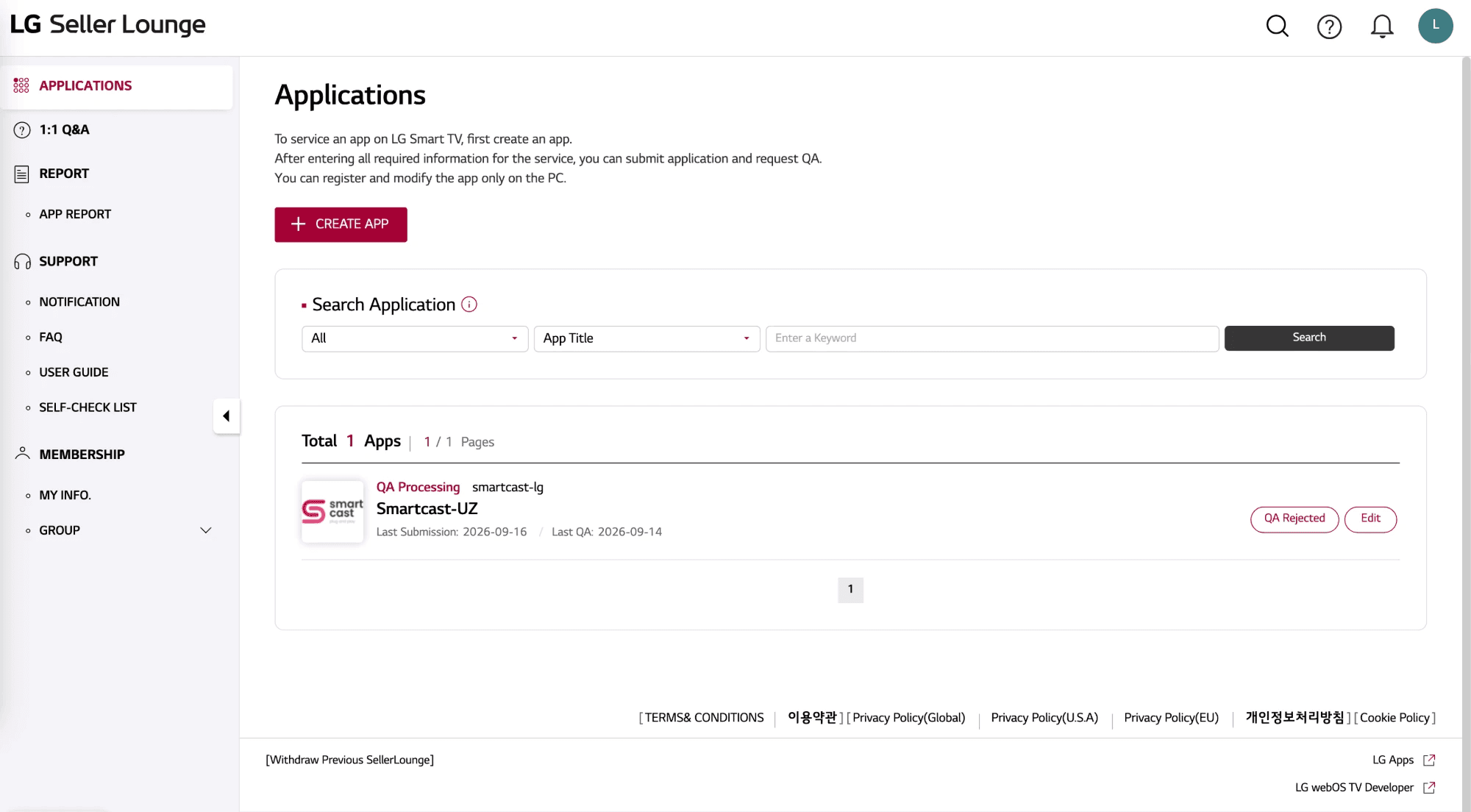
LG Seller Lounge
Key Features
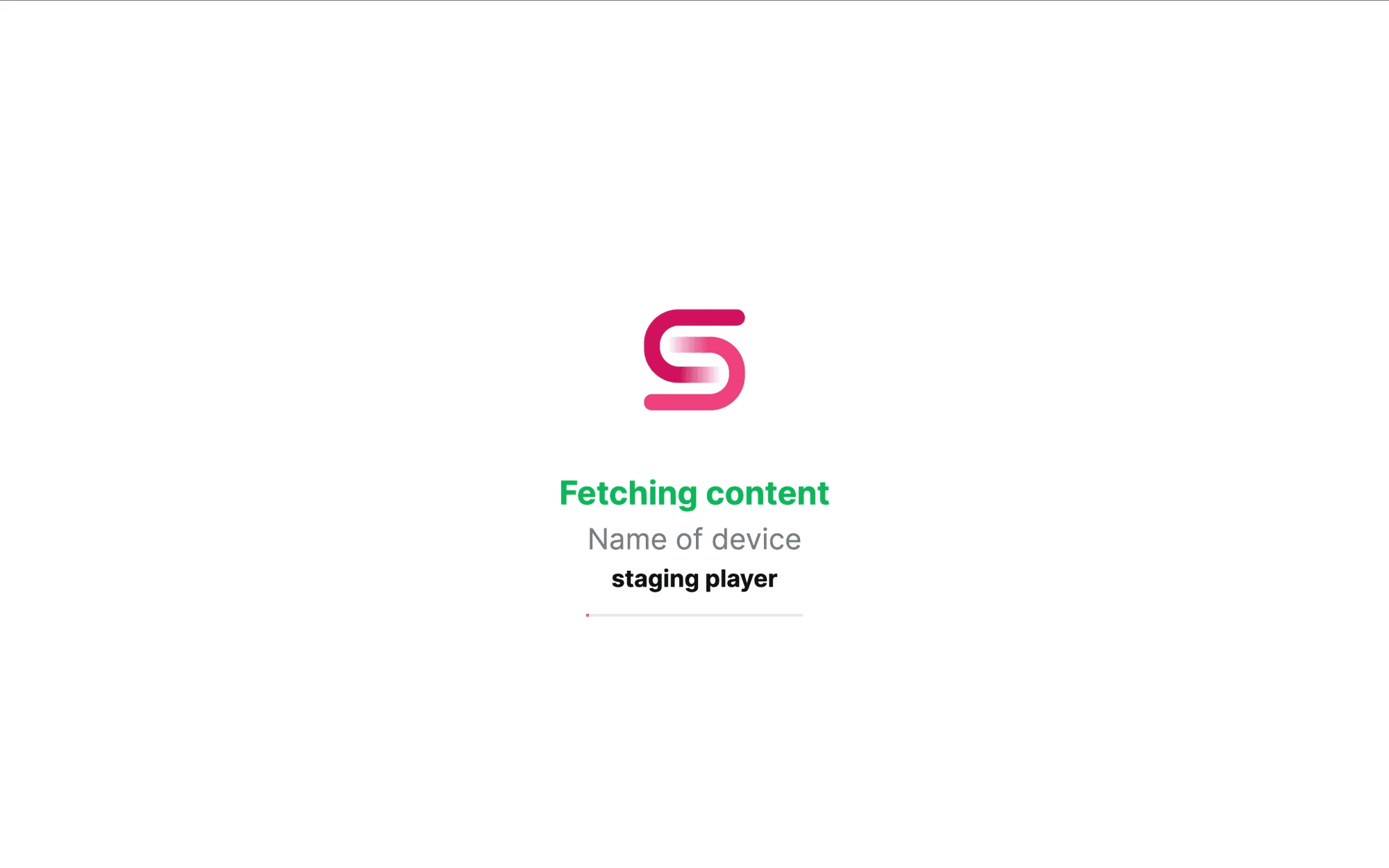
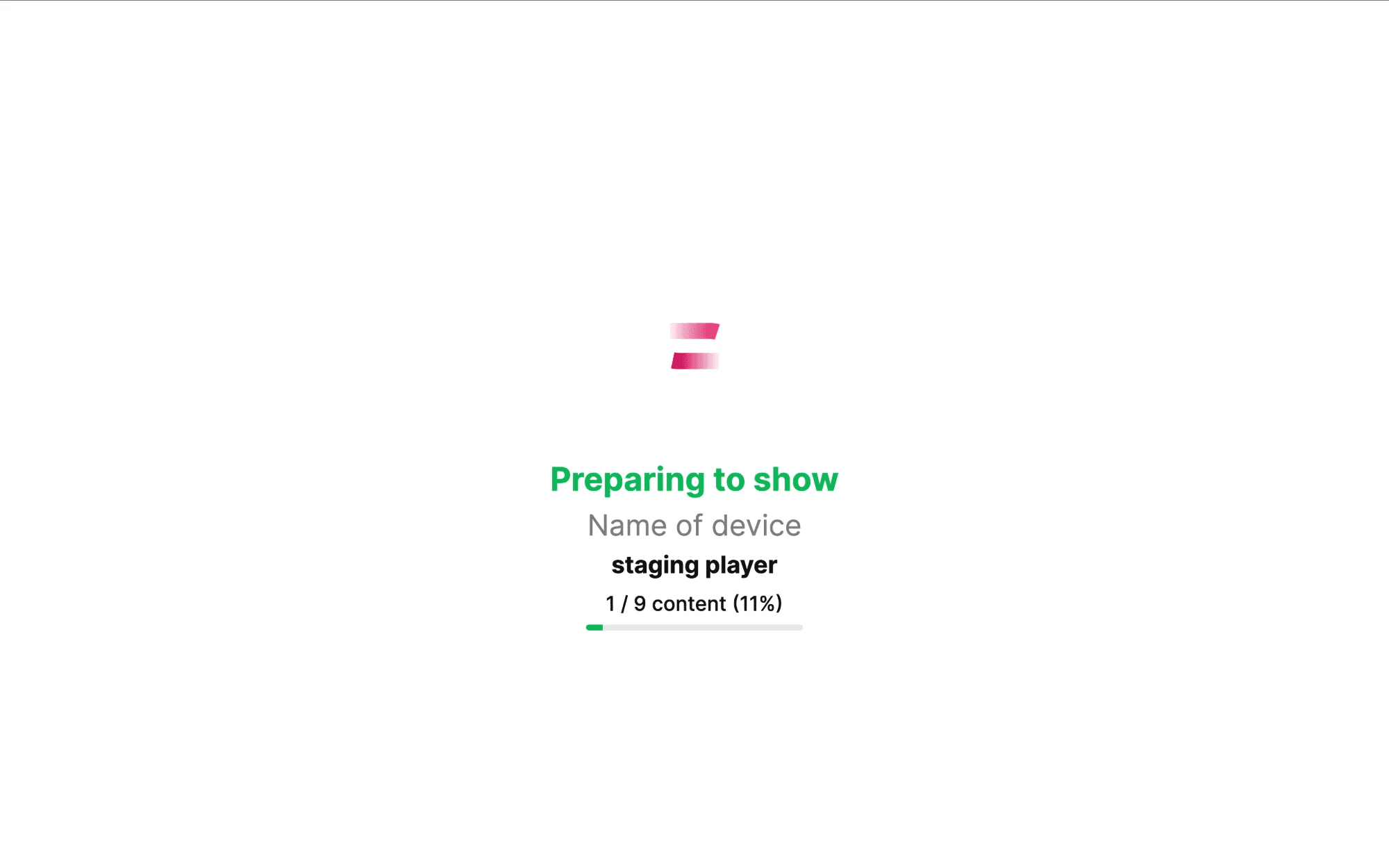
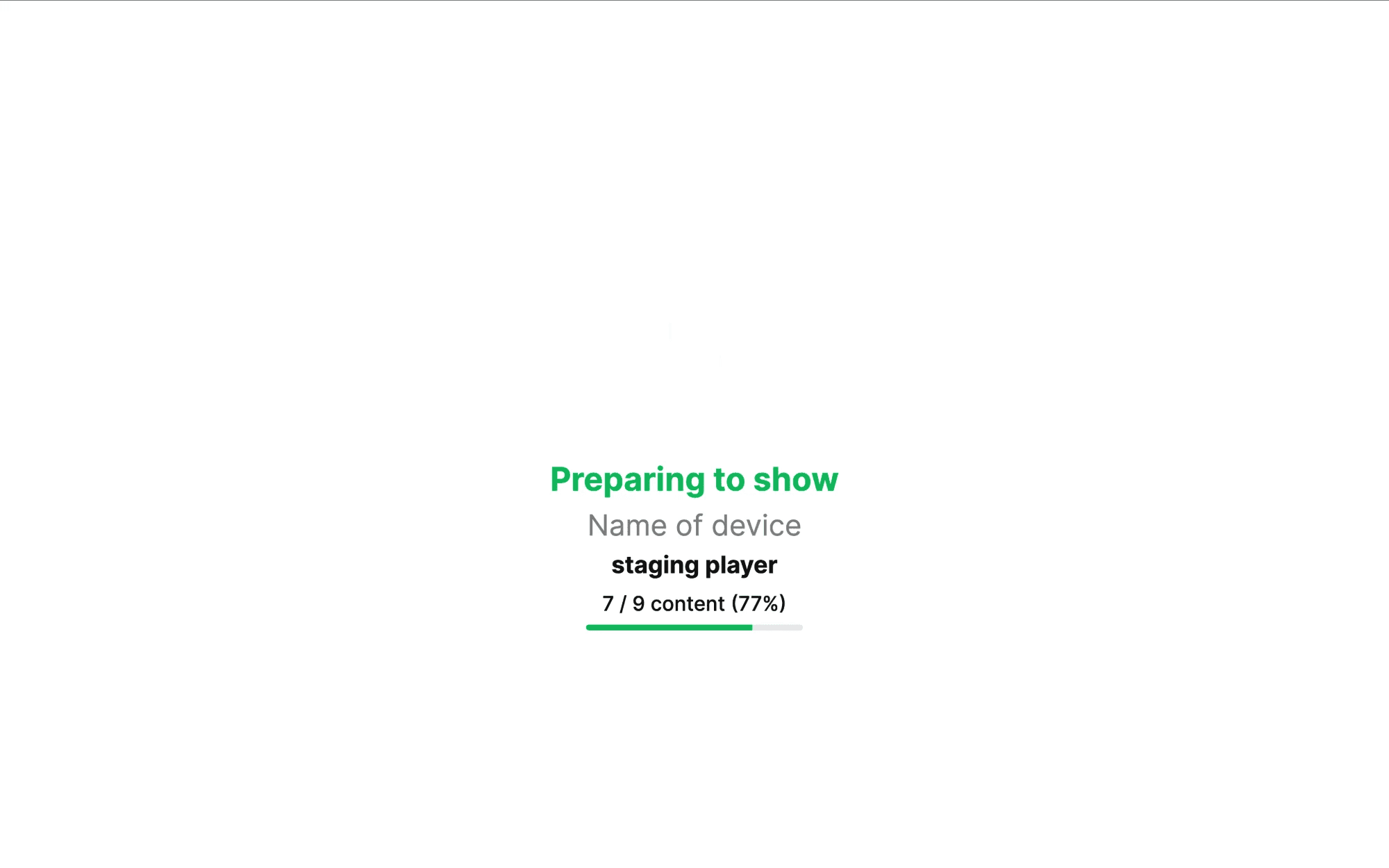
- Content loader with progress while media is prepared
- Rotate device and group screens
- Logo over content, with rotation
- Screenshot of the screen on command
- Background music
- Add, delete and sort content in a group or on a device
- Scheduling: without schedule, every day, by days of the week
- Images (PNG, JPEG), MP4 video, YouTube stream and video, web sites and MP3
- Delete cache on one device or on all devices
- Work-time control and free-plan content
- System info collection and system, main and background volume control
My Responsibilities
- Adapted the shared player code to run on LG webOS TVs
- Supported the webOS remote (including the BACK key) in every screen
- Built the webOS package and submitted it to LG Seller Lounge for QA
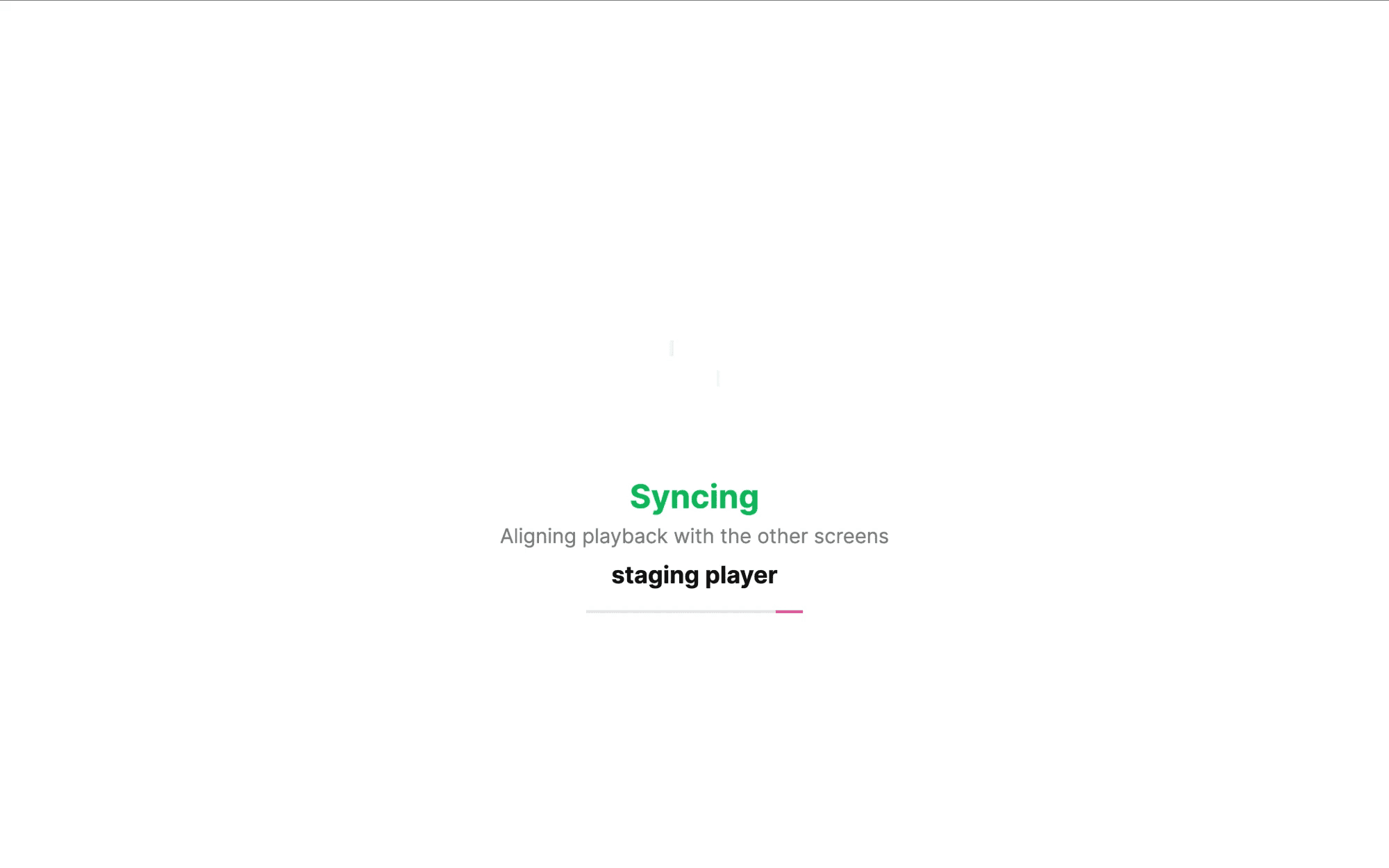
- Kept features in sync with the Tizen and web players: sync, new auth flow, auto-update
- Fixed content showing and loading bugs found during testing on TVs
Advantages
- Brings SmartCast to LG TVs without a separate product
- One codebase with the web and Tizen players
- Plays offline from the local cache
- Uses the official LG store review process
Challenges
- LG QA rejected earlier builds and each fix needs a new submission
- webOS remote keys differ from Tizen (BACK is a different key code)
- Keeping one shared codebase healthy on three platforms
Solutions
- Treated BACK as a set of key codes so it works on both TV brands
- Fixed issues from each QA report and resubmitted the package
- Detected the platform at runtime so one build path serves all TVs