Samsung Signage URL Launcher Player
Project Information
Role: Frontend Developer
Team: Team Project (Frontend + Backend + Mobile)
Duration: Ongoing
Year: 2026
Tech Stack
React 18
Vite
Tailwind CSS
MQTT
IndexedDB
Axios
i18next
Docker
Nginx
GitLab CI
Samsung URL Launcher
Key Features
- Works on Samsung Business TV and Samsung Digital Signage displays only
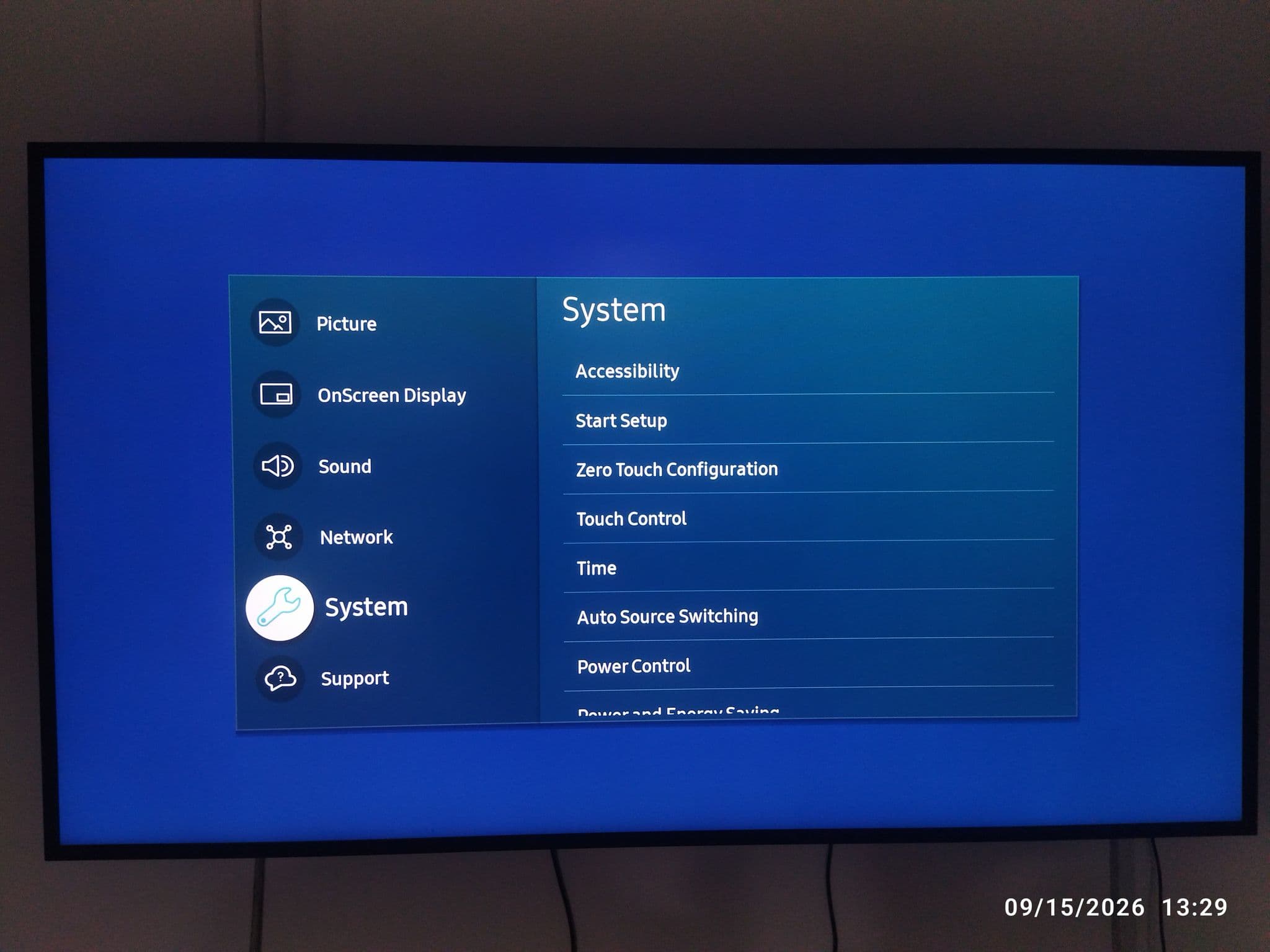
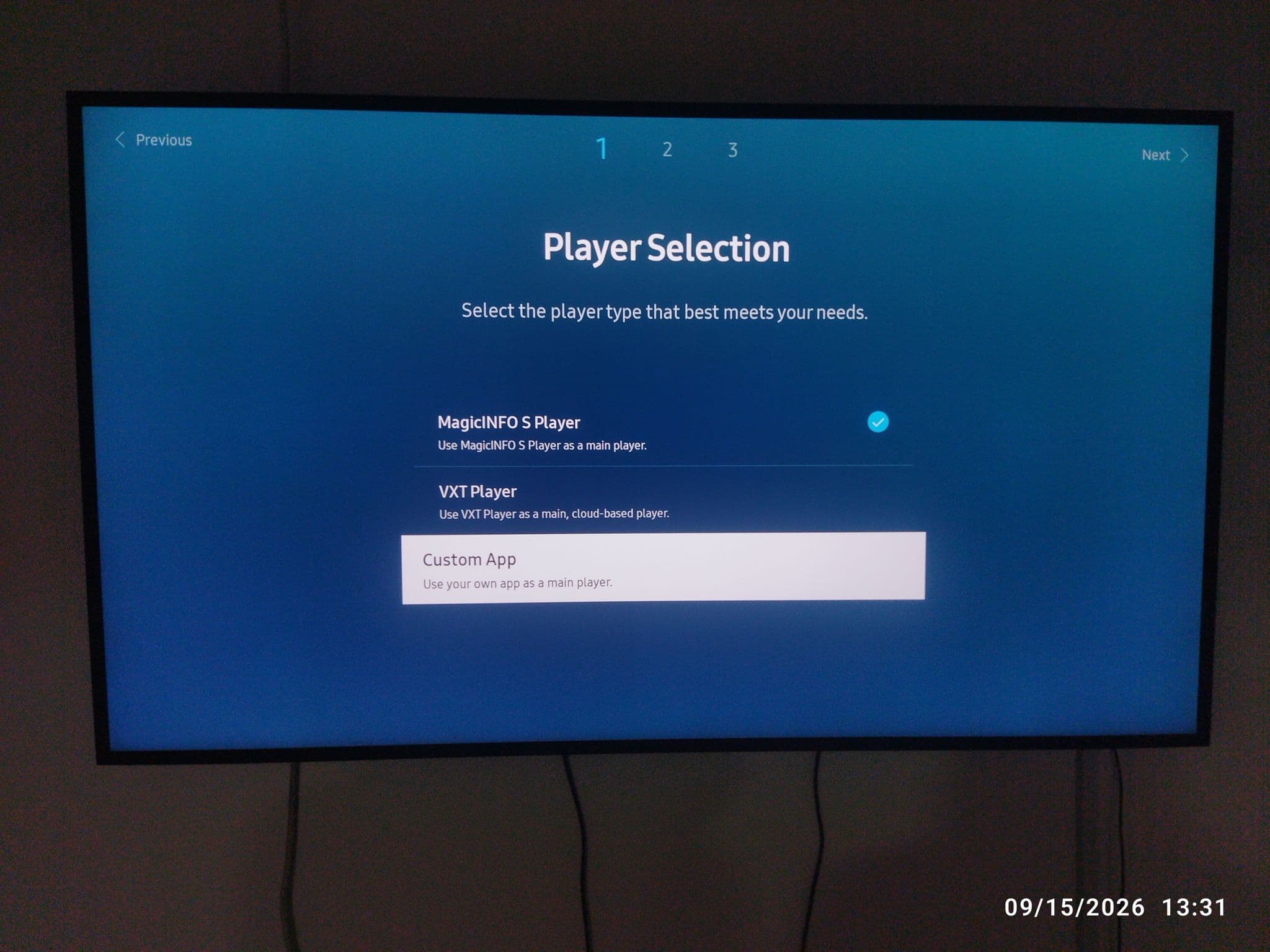
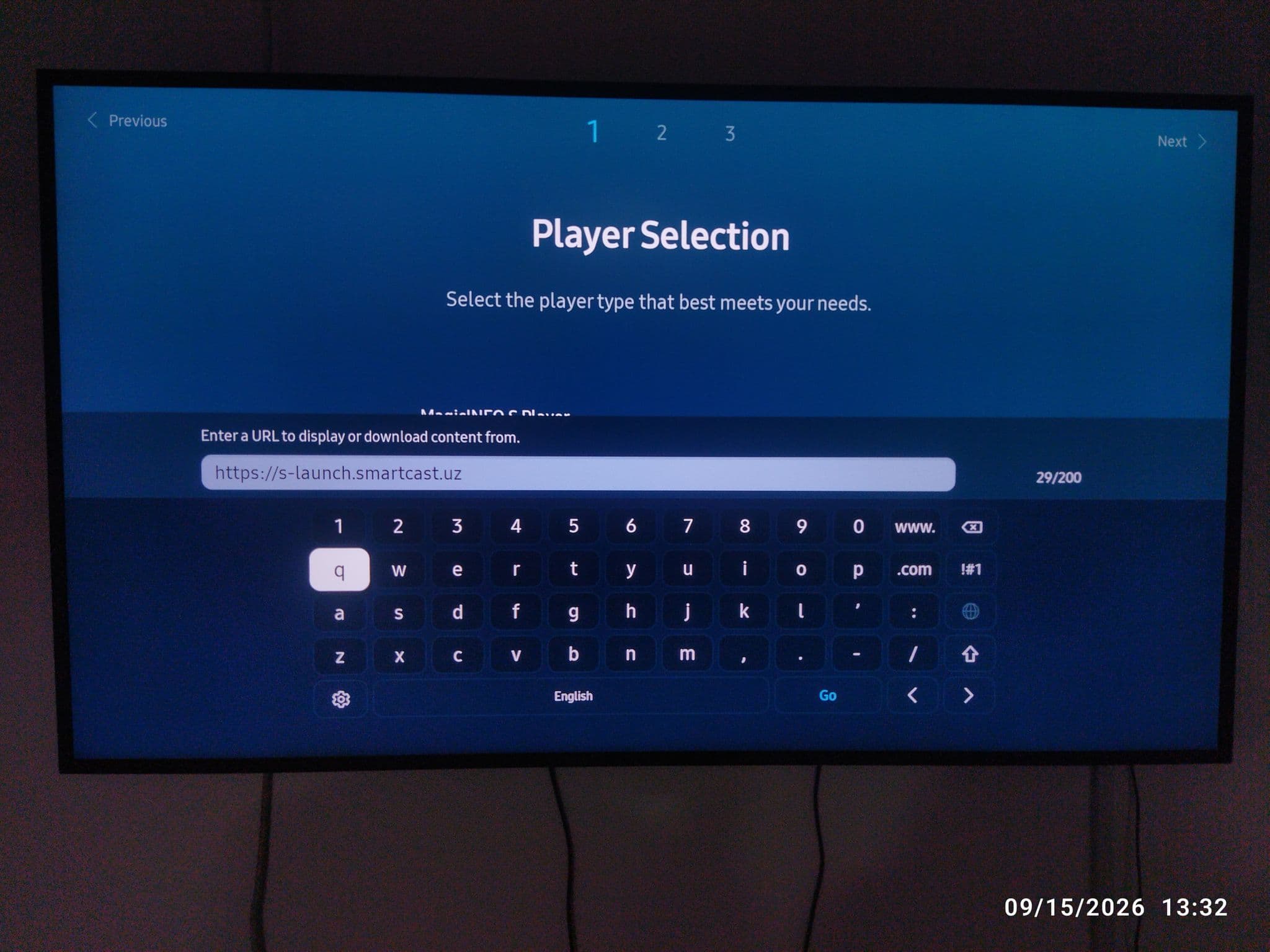
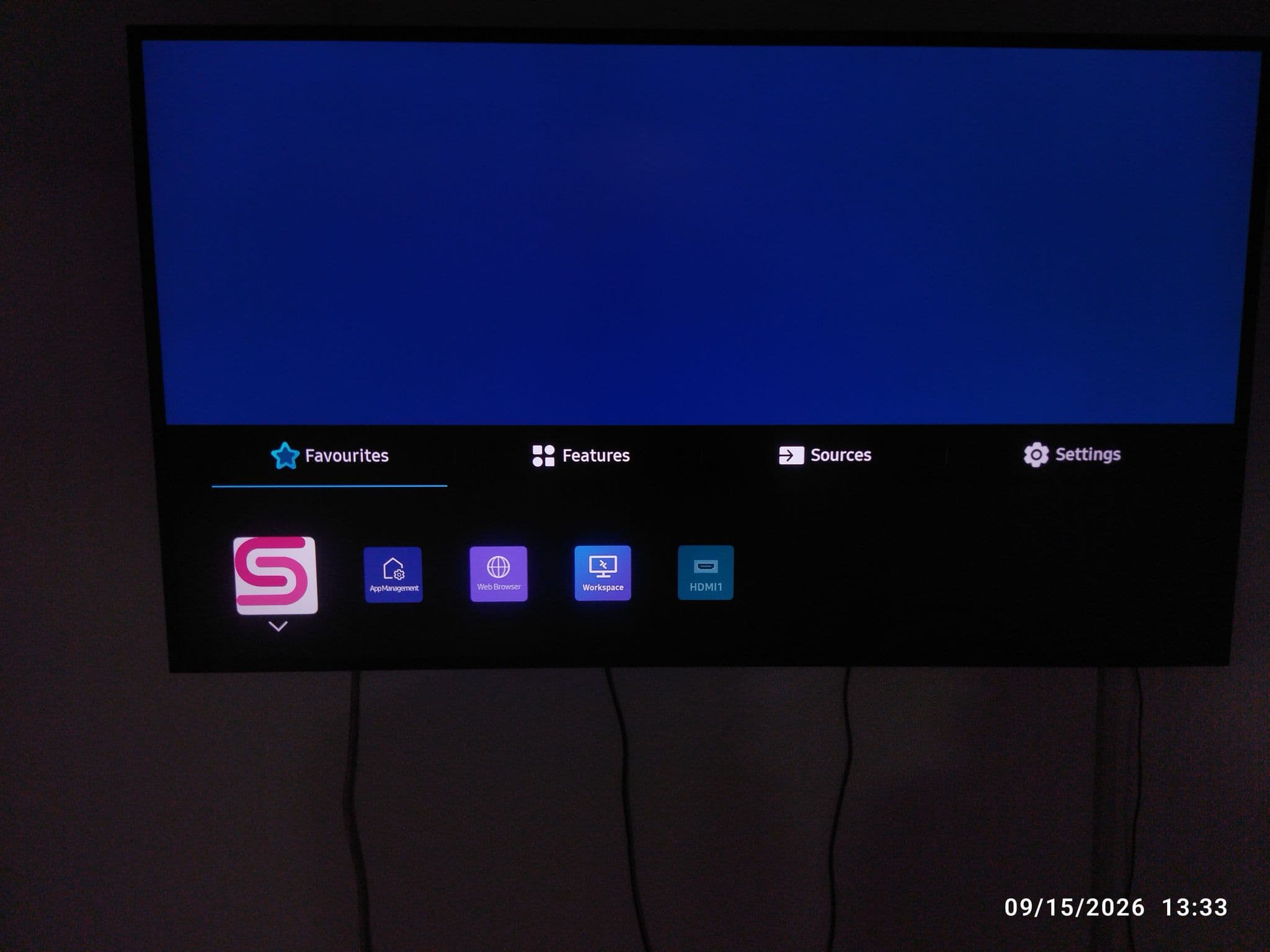
- Connects through the built-in URL Launcher: set the Custom App player and enter the launcher address
- No set-top box or app installation: the display loads the hosted player
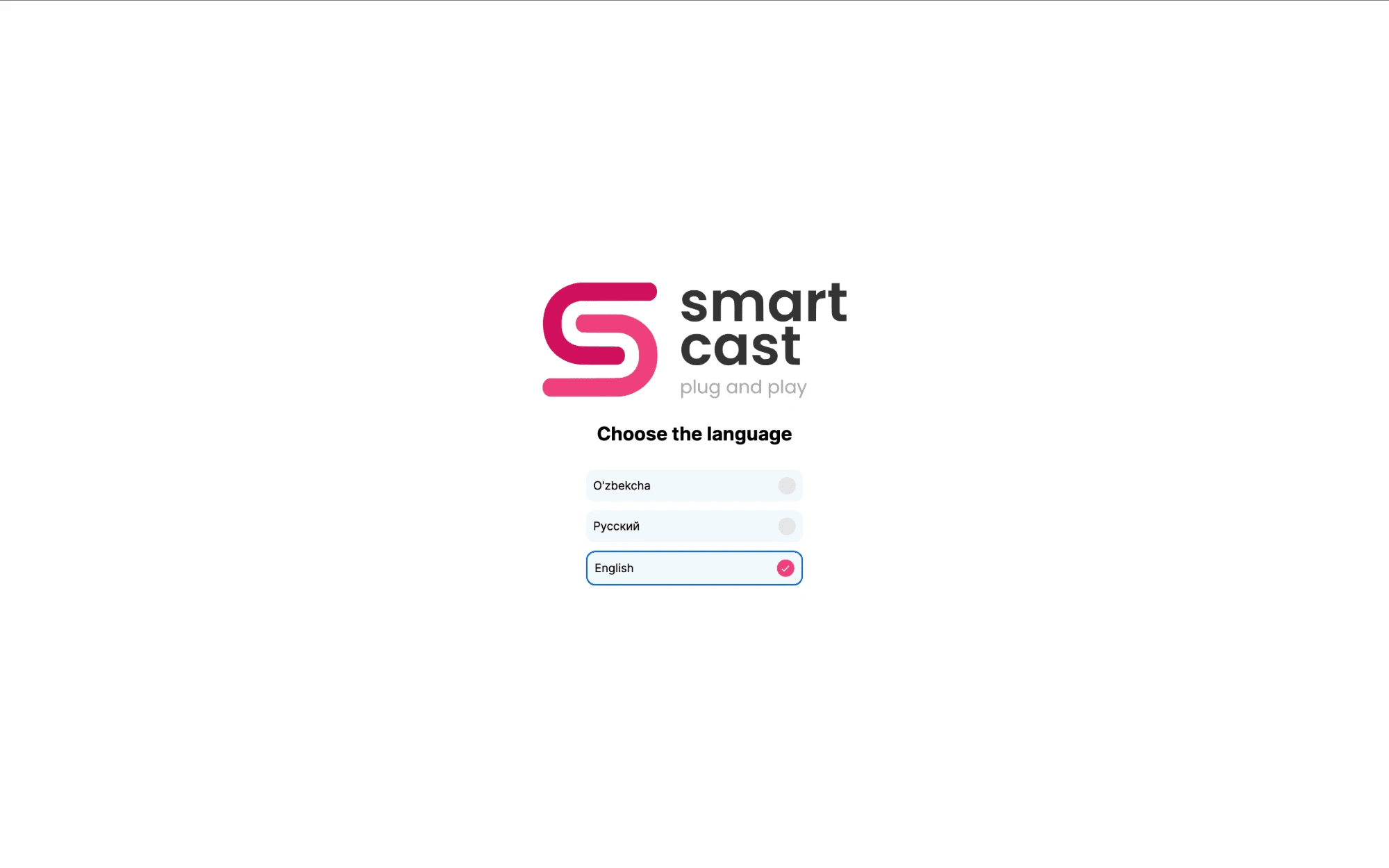
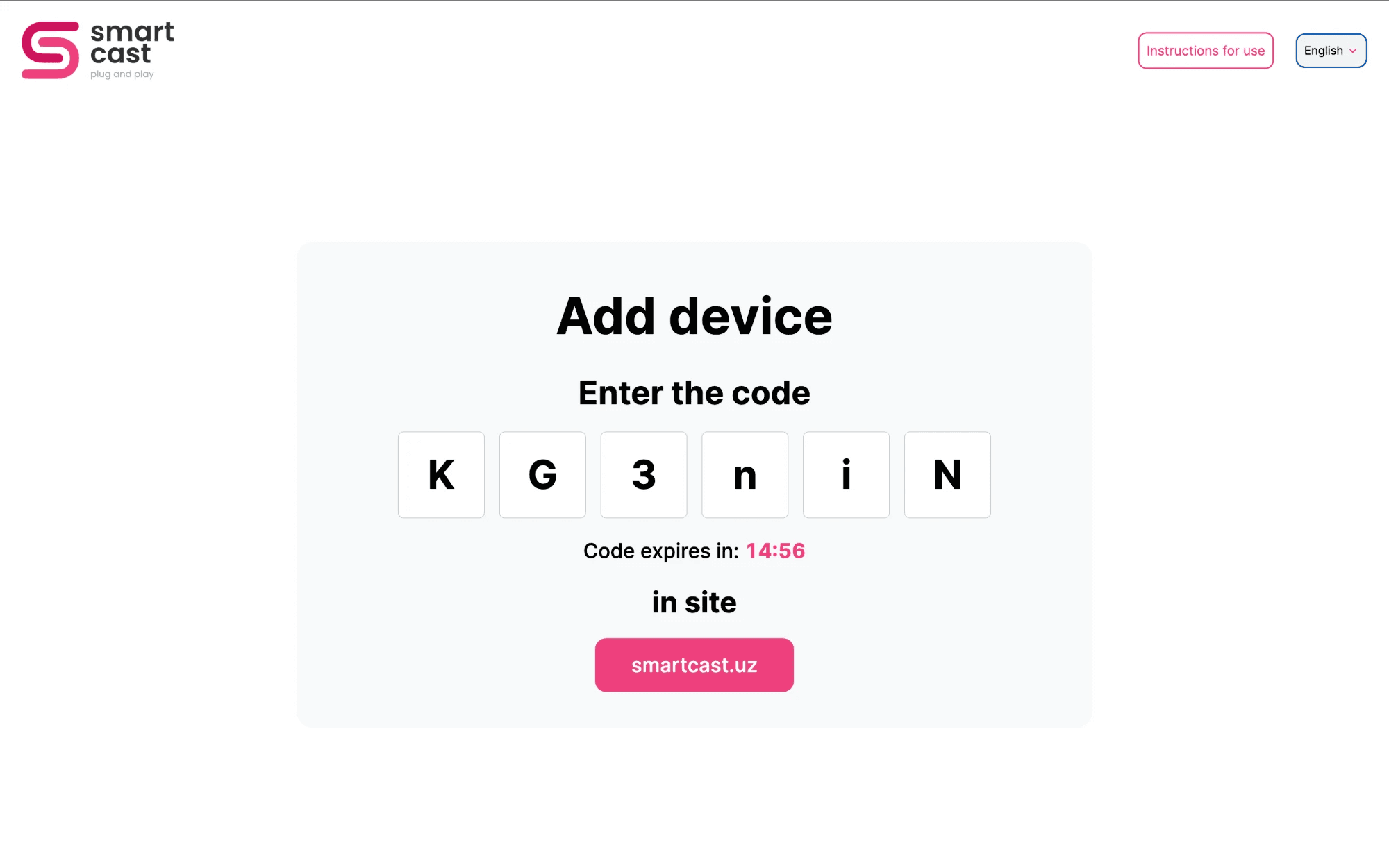
- Device pairing with a code from the dashboard
- Synchronized playback across several screens
- Automatic update when a new version is released
- Rotate device and group screens, logo over content, screenshot on command
- Images (PNG, JPEG), MP4 video, YouTube, web sites and MP3, with background music
- Scheduling, work time, offline cache and cache cleaning
- System, main and background volume control
My Responsibilities
- Adapted the SmartCast player to run inside Samsung's built-in URL Launcher, where there is no window.tizen and the player runs as a hosted page
- Fixed the layout so the app fills the whole panel instead of shrinking into a corner inside the launcher container
- Handled platform detection: never forced fullscreen or a second video decoder, and folded system volume into the element gain
- Deployed the launcher page with Docker, Nginx and GitLab CI so a display only needs its address
- Tested the setup on a Samsung Signage QM50C and helped write the setup guide for customers
- Shared the synchronization, new authentication flow and auto-update work with the other players
Advantages
- The display connects to SmartCast directly, so no separate set-top box is needed
- All content on Samsung screens is managed from one platform
- Setup takes a few minutes and needs only the launcher address
- Updates itself: a new version reaches every screen without visiting it
Challenges
- Samsung signage runs the page in a plain webview with no native TV APIs
- The launcher resized its container and the app shrank into a corner of the screen
- Setup menus differ between Samsung models, so instructions must be clear
- Only Samsung Business TV and Digital Signage displays have the URL Launcher
Solutions
- Detected a Samsung TV from the user agent and pinned the layout width to 1920
- Stopped the fullscreen watcher from running on TVs
- Wrote a step-by-step guide with photos from a real QM50C signage display
- Kept one shared player codebase so fixes reach the launcher, Tizen and webOS together